Utility
ScreenRuler — Measure Length on Your iPhone Screen
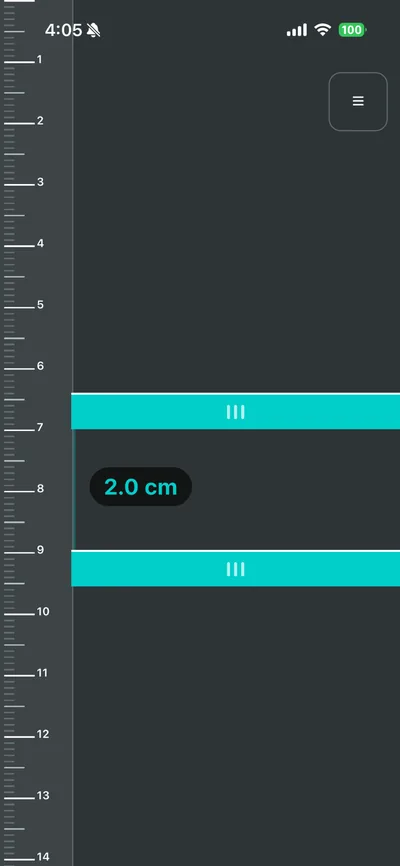
Turn your iPhone into a ruler when you don't have one. ScreenRuler draws centimeter and inch graduations from your screen's true pixel density (PPI); place an object on the screen and drag two handles to measure it.
How it works
- Place the object next to the left edge of the screen.
- Drag the top and bottom handles to the object's edges.
- Read the live measurement between the handles.
Features
True-PPI graduations
Graduations drawn from your iPhone's actual screen pixel density.
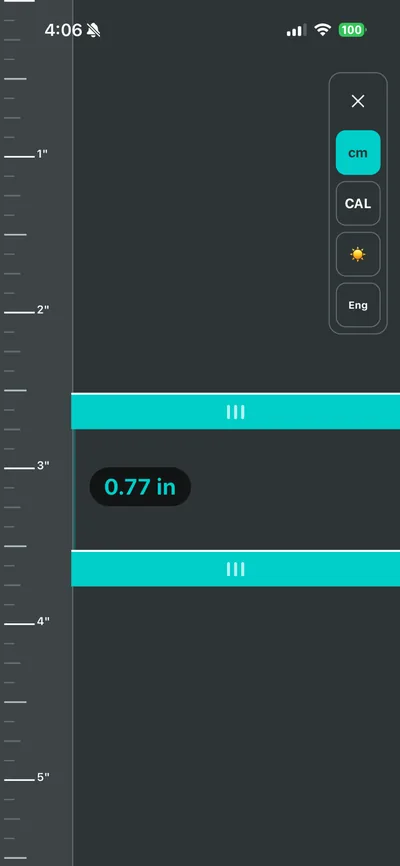
cm and inch
1 mm graduations in cm mode, 1/8 inch subdivisions in inch mode — switch instantly.
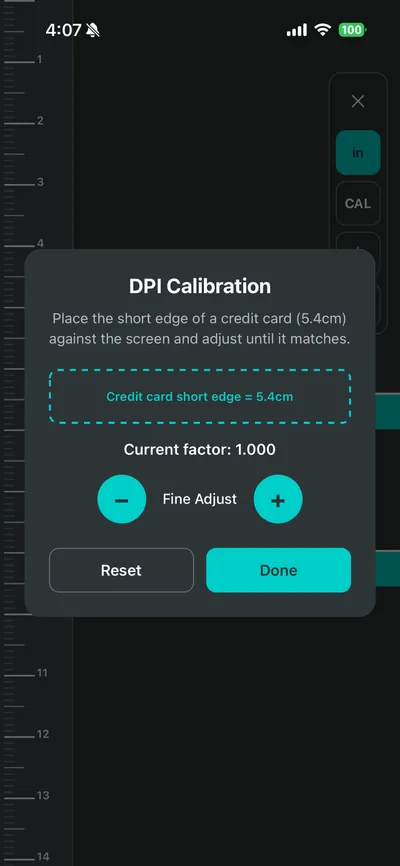
Credit card calibration
Fine-tune accuracy with the short edge of a standard credit card (5.4 cm).
Haptic feedback
A tap at every 1 cm or 1 inch boundary.
Works offline
No internet required, with dark and light themes.
FAQ
How accurate is it?
Graduations come from your screen's true PPI, and calibrating with a credit card's short edge (5.4 cm) tunes it to your exact device.
Does it need internet?
No. It works fully offline.
Is it free?
Yes, it is free on the App Store.